Using eBay Partner Network
Introduction
eBay Partner Network is a service that will help you monetize your websites and apps by inserting eBay’s affiliated links into them.
Linkify lets you manage this monetization by binding your eBay Campaign ID to the Linkify eBay link in the Linkify widget.
This section of the documentation covers how to use eBay Partner Network with Linkify. If you do not have an eBay Partner Netowrk account, please register to eBay Partner Network on this page .
eBay Campaign ID
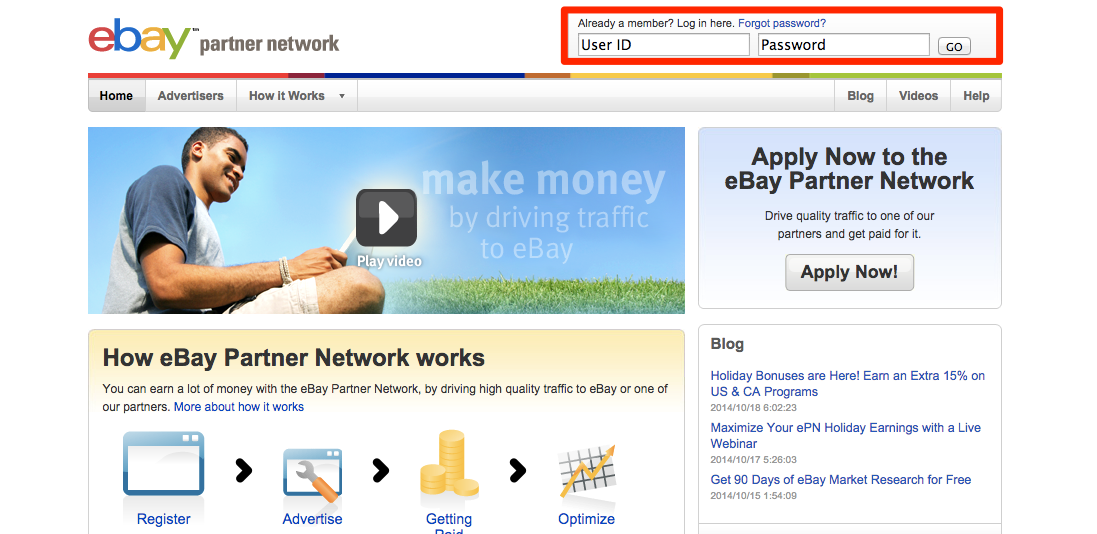
If you have an eBay Campaign ID, please sign in by inputting your address and password in the red frame on this page .
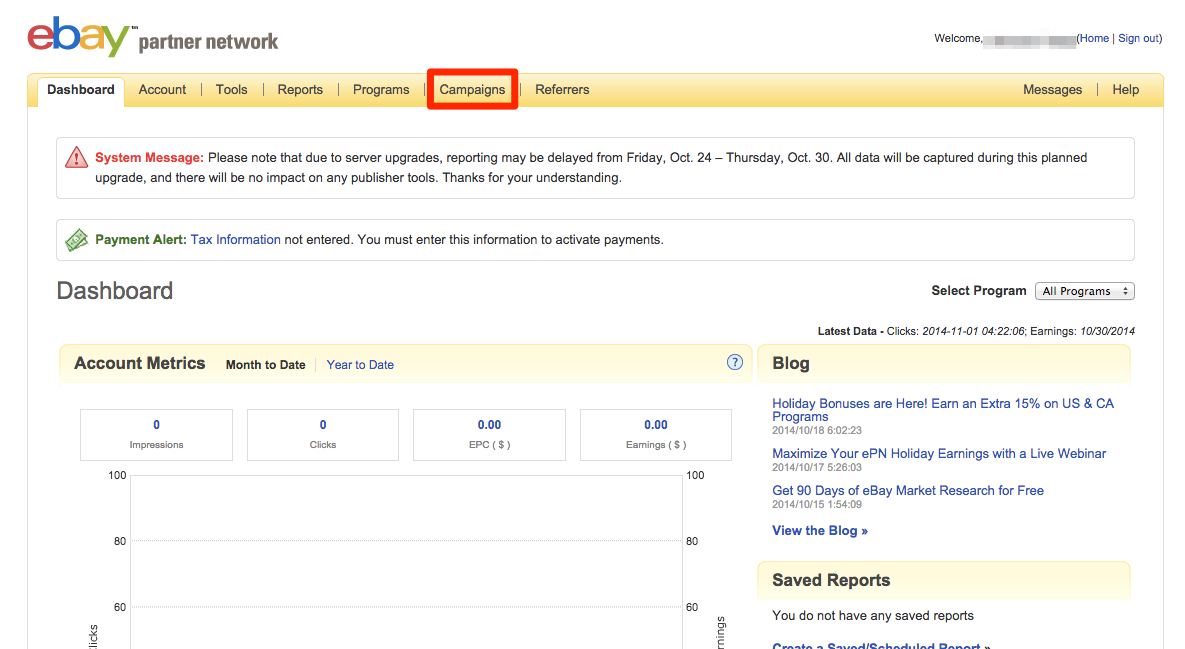
Click the Campaign tab and to check the Campagin ID you want to use.
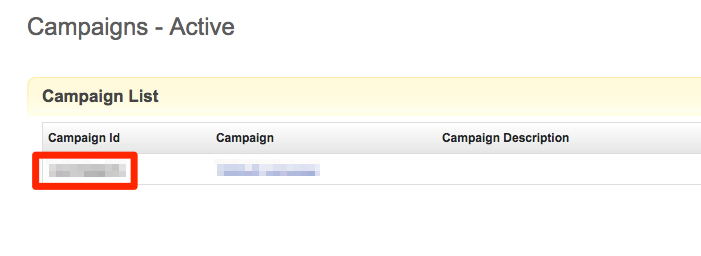
Then, copy your target Campaign ID in the red frame in the campaign list.
Create Linkify App
After copying your Campaign ID, please login to Linkify .
Select the Apps tab at the top of the page, and click Add App. If you would like to bind apps that have already been created, select the required application, and click Edit. Paste the Campaign ID you have copied into the eBay Campaign ID box.
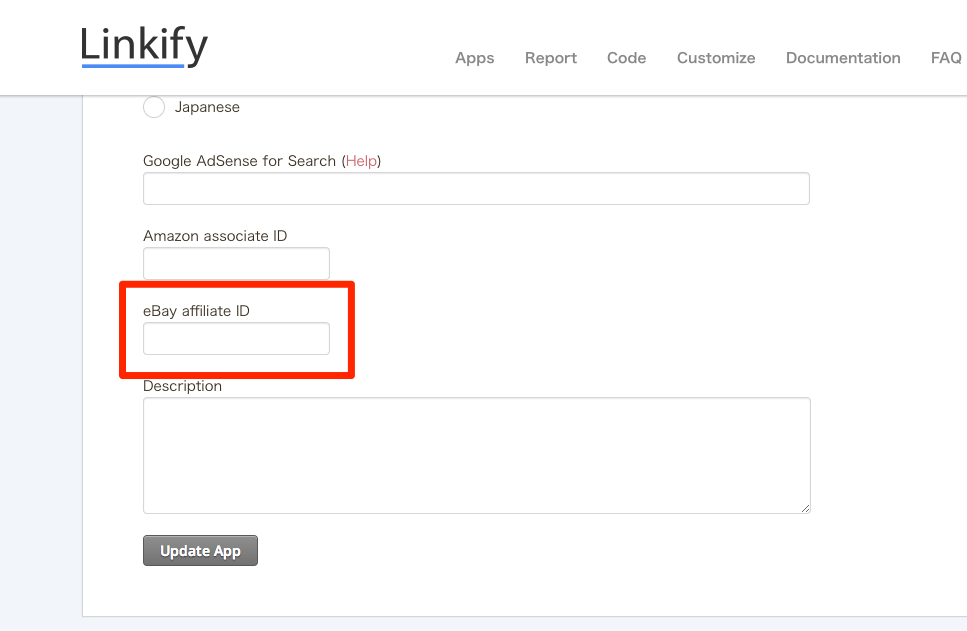
Finally click Add New App. You are now set up to use Linkify with eBay Partner Network.